Planboard
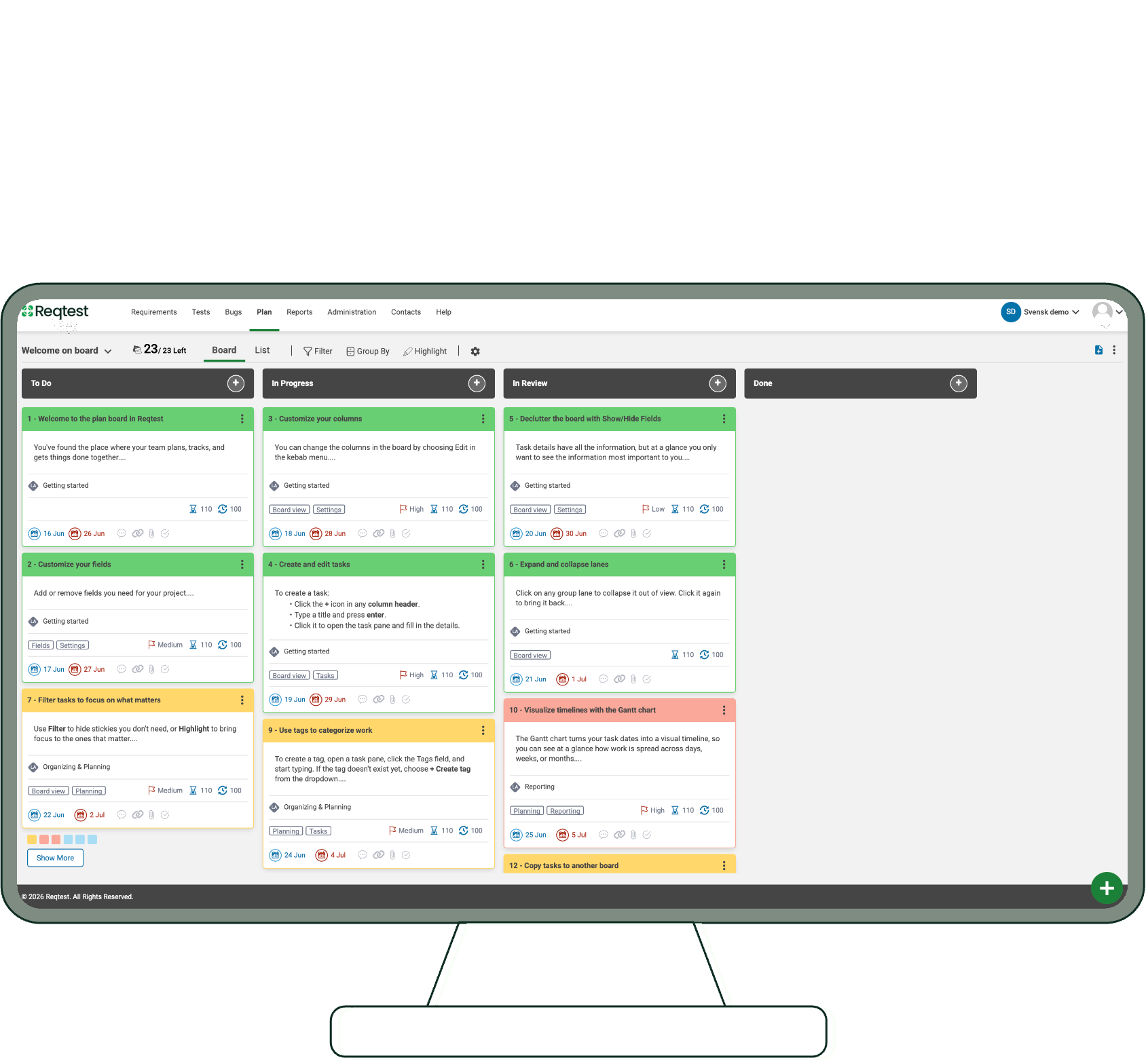
With Reqtest’s Planboard, you can plan, prioritise, and track work directly in the tool – without needing a separate system. Create tasks, organise work in columns, and connect everything to requirements, bug reports, and test cases in a single view.
- Visual planning in kanban, list, and Gantt view
- Connect tasks to requirements, test cases and bug reports
- Mirror link with automatic two-way synchronisation
- Custom fields, filters, and groupings
4.5/5 – Capterra
“We saved nearly two full-time positions by using Reqtest for testing and bug reports. The tool is easy to use and allowed us to have a clear overview of our 1500 test cases. It would never have been possible with Excel.”
Erik Karlström
Elvenite
How the planboard works
1. Create and configure the board
Create a board, enter a name and an objective, and add the columns that reflect your workflow. Control who has access – all project members or selected individuals.
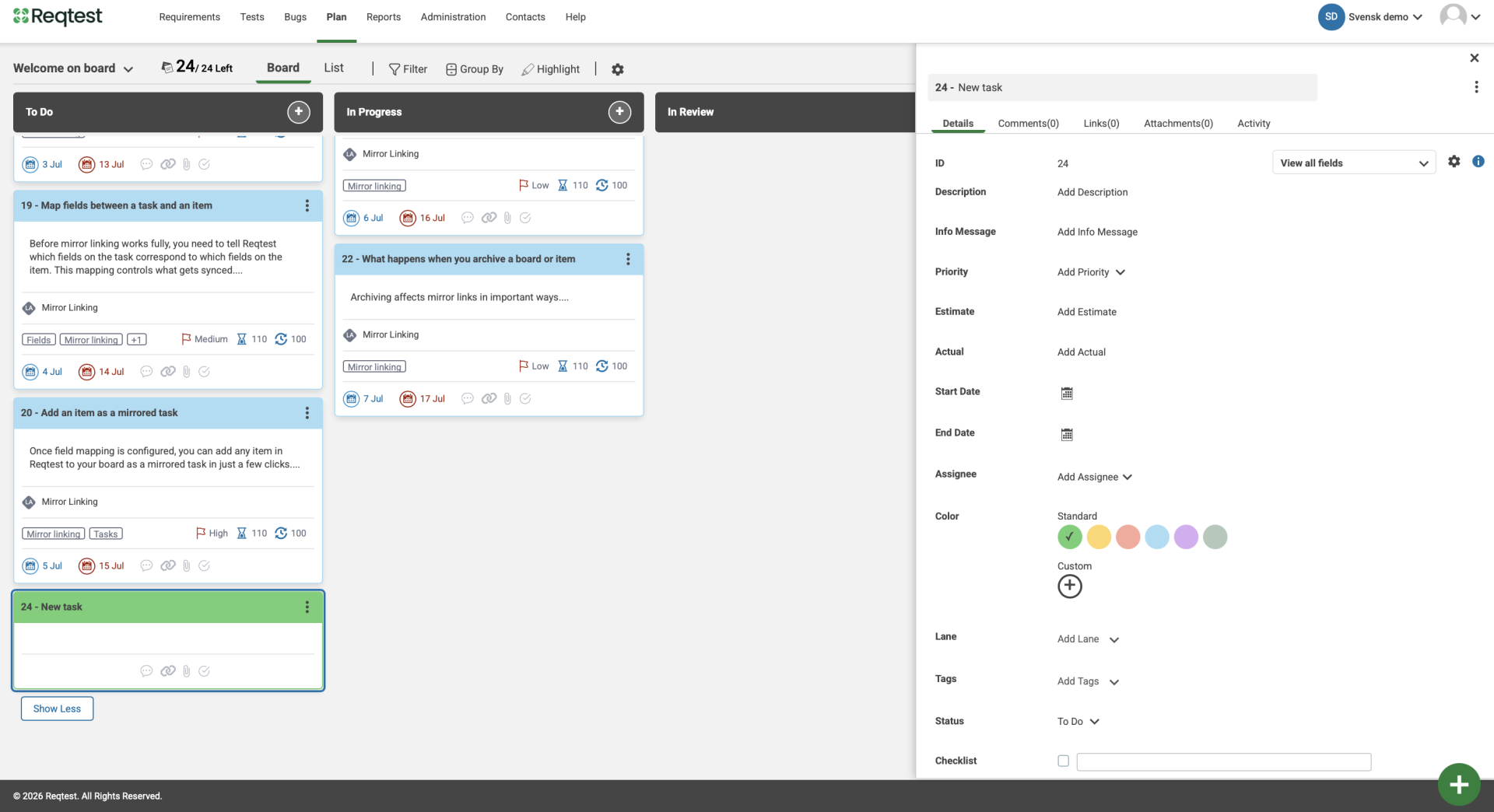
2. Add and manage tasks
Create tasks directly on the board or add them from a requirement, bug report, or test case. Assign the task to a team member, set priority, dates, and estimate.
3. Connect to your quality work
Link tasks to requirements, bug reports, and test cases. With mirror link, changes are automatically synchronised in both directions – you always work against the source.
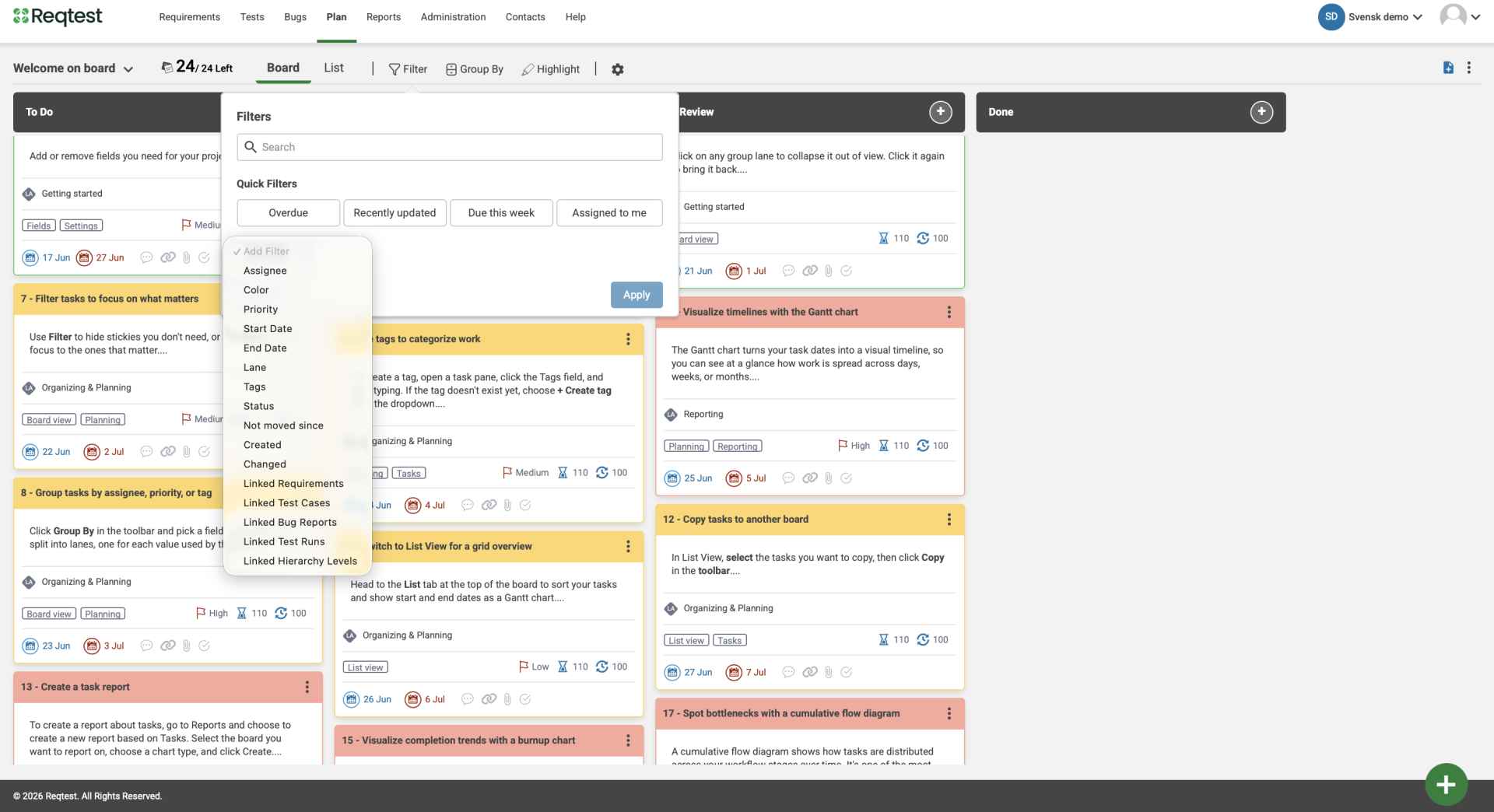
4. Track progress
Use filters and groupings to surface the right tasks. Create reports connected directly to the board to track progress over time.
Try Reqtest Yourself
Fill out the form to test Reqtest for 10 days. You’ll be sent an email with instructions on how to activate your account.
-
Structure your tests, requirements and bugs
-
Delegate tasks and collaborate with suppliers or project members
-
Follow the progress and get approval before Go-Live